YouTube
Verified player guides
Kick Ball to Space Guides: Start Strong and Progress Fast
Start here when the interface gives you several things to click but no clear order. This collection turns the confirmed train, kick, earn, Ball, and soccer Legend loop into practical steps. It also marks the details the official material does not publish, including exact earnings, platform button mappings, prices, item effects, and the kick-distance formula, so you can verify them in the current server instead of copying stale numbers.
Learn the loopMove from Power training to a complete kick and upgrade cycle.
Check progressUse visible game results instead of a guessed formula.
Read upgradesCompare current Ball and soccer Legend panels before buying.
Avoid fake dataUnknown prices and controls stay labeled as unknown.
See the core loop in a player session
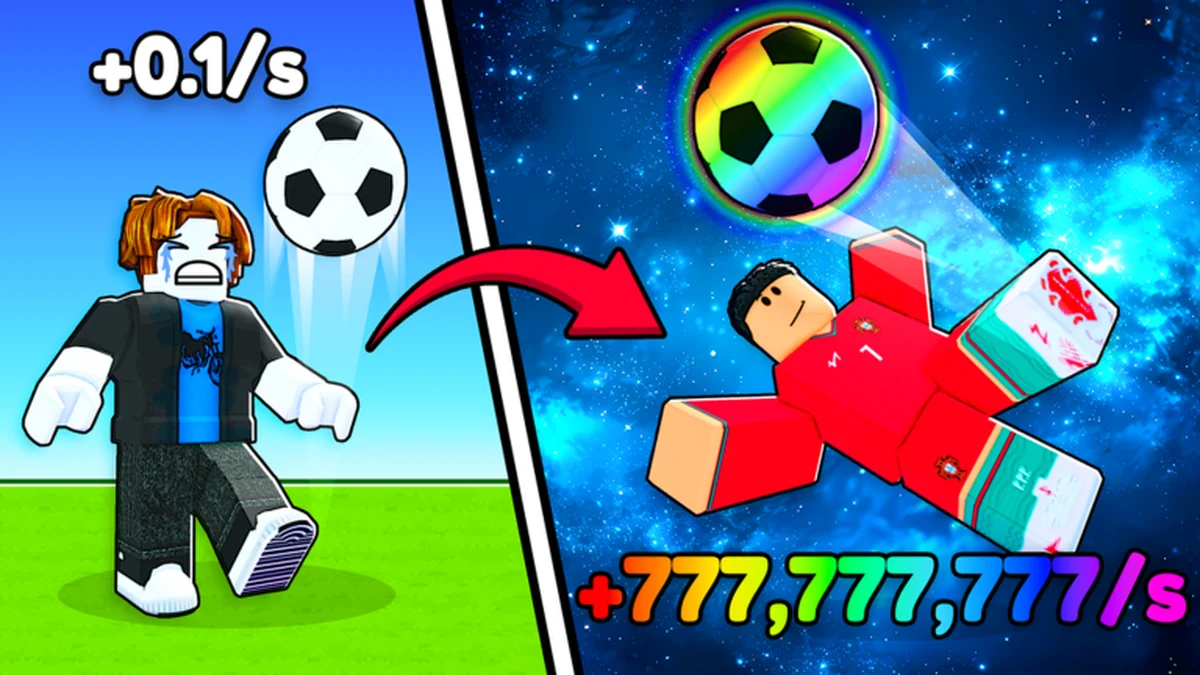
This community recording shows training, shopping, and kicking in motion. Use it for interface orientation, then check all item names and values in your own current server.
How to use this guide collection
These Kick Ball to Space guides begin with the official five-part outline: click to earn Power, kick the Ball, get rich, buy better Balls, and buy soccer Legends. The gameplay guide turns that outline into a controlled first cycle so you can identify what changes after training and kicking. It never assigns a currency name that the archived official description does not provide.
Controls deserve the same caution. Clicking and kicking are confirmed actions, but exact keyboard, mobile, PS4, and console mappings are not documented in the captured first-party material. Follow the prompt in the current Roblox client. That keeps the how-to-play route useful across devices without pretending one platform's button is universal.
Progress also reaches World 1 sky milestones. Official badge descriptions confirm a first sky followed by a second sky, but they do not provide locations or unlock requirements. The map section keeps those milestones separate from unverified routes, while the tips and items sections explain how to compare current progression options without inventing thresholds.
Start with the gameplay article if you are new or returning after an update. Move to beginner tips for a short priority plan, the items reference for Ball and Legend acquisition boundaries, and the map guide for the confirmed World 1 order. The official page advertises Saturday updates, so re-check changing values inside the live game.
Pick the guide that matches your blocker
Choose the next page by the decision you need to make, not by the longest-looking article.
I just joined
Learn the full Power, kick, earn, Ball, and Legend loop in order.
Open gameplay guideI want a first-session plan
Claim documented benefits and avoid early information traps.
Read beginner tipsI am comparing upgrades
Separate confirmed item families from unknown costs and effects.
Check itemsI need farther progress
Use controlled kick comparisons without a fake distance formula.
Troubleshoot kicksFeatured gameplay guide
The published guide below comes directly from the current MDX article manifest.
All gameplay guides
Browse every published article owned by the Guides category. Related tips, items, and map references remain in their focused directories.
Continue through the wiki
Beginner TipsTurn confirmed boosts and actions into a clean first-session route.ItemsCheck what is verified about Balls, soccer Legends, and acquisition.World 1 MapTrack confirmed first- and second-sky milestones without guessed requirements.Budget CalculatorEnter live costs yourself and compare a simple upgrade budget.
Guides FAQ
How do you play Kick Ball to Space?
Click to earn Power, kick the Ball, earn toward purchases, then consider better Balls and soccer Legends. Exact earnings and costs must be read in the current server.
Is there a Kick Ball to Space PS4 guide?
The gameplay route works on console, but archived first-party material does not specify controller buttons. Follow the prompts shown by the current Roblox client.
What should I upgrade first?
Balls and soccer Legends are confirmed purchase families, but no universal first purchase is verified. Compare their live cost and effect panels before deciding.
How do I reach the next sky?
World 1 first- and second-sky milestones are confirmed, but their requirements are not. Use the current game to verify the displayed route or threshold.
How current are these guides?
Article dates show the editorial review point. Because the official page advertises Saturday updates, confirm changing controls, costs, effects, and requirements in the live experience.
Complete one clean gameplay cycle
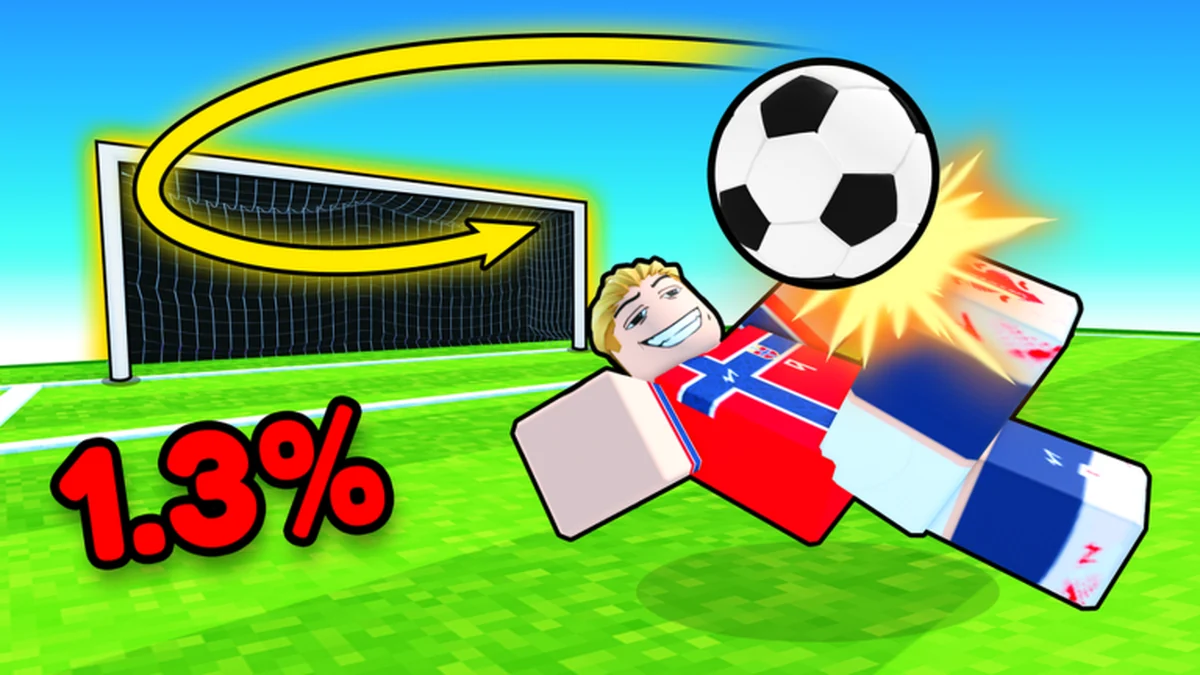
Start with the confirmed loop, observe what changes, and only then compare current upgrade panels.